Docs · Front desk
Invoices & Payments
Turn an approved estimate into an invoice, take payment (cash, card, check), and print or text the receipt. Every invoice and payment posts automatically to the accounting books — no double entry by hand.
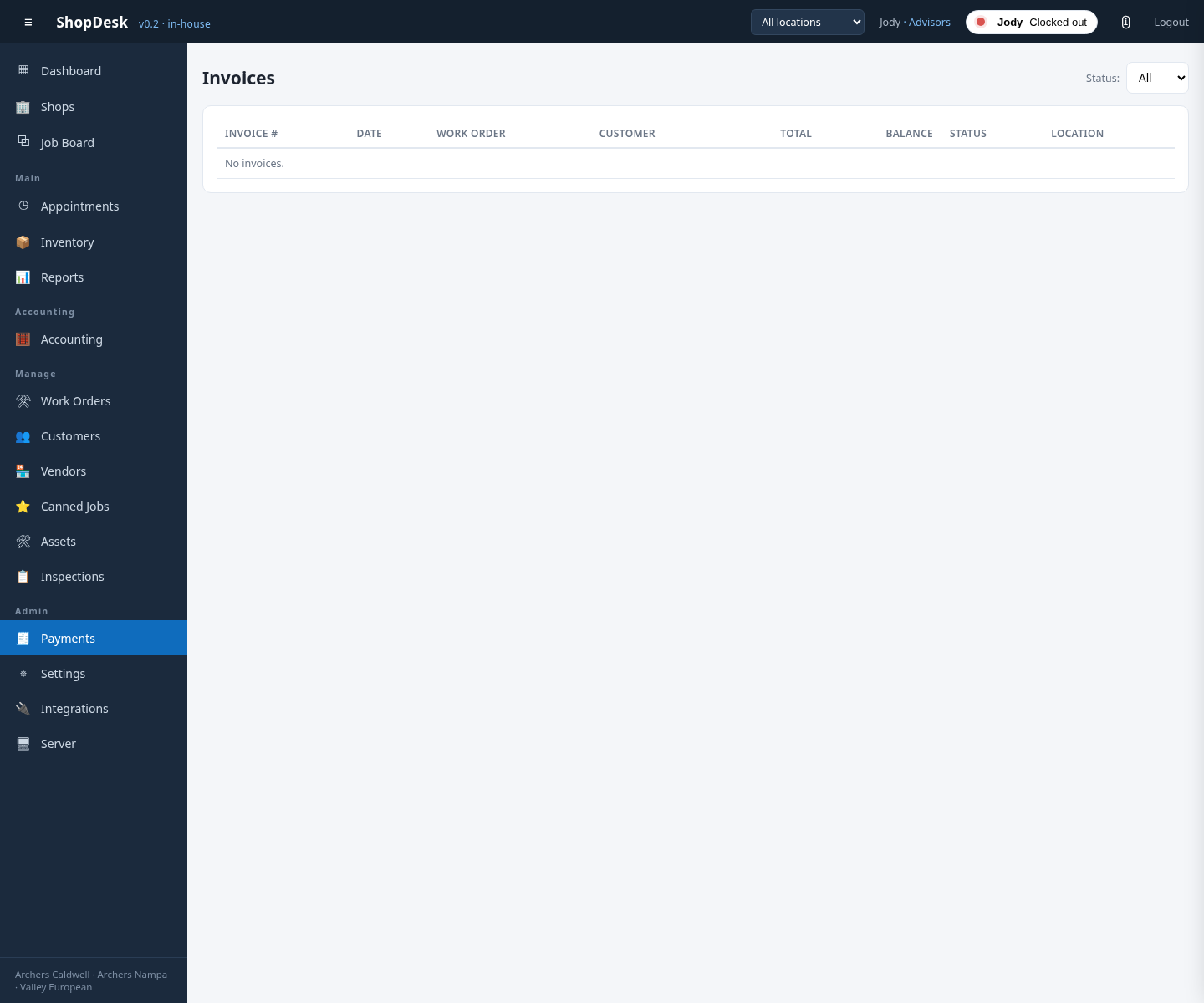
Taking a payment
On the RO’s Payment tab, build the invoice from the approved estimate, then take payment — cash, card or check — and print or text the receipt. The payment posts to the books automatically.